
🔥 Top Pokies at Spinsy Casino














No App Store, No Hassle: Add Spinsy Casino in 10 Seconds
Mobile gaming should be direct, fast, and simple for every Canadian player at Spinsy Casino. Instead of forcing you through slow downloads or app store hurdles, our platform operates as a progressive web app directly in your mobile browser. You get instant access to over 3,800 games from more than 45 providers on your phone. Whether you're on your morning commute or relaxing at home, the entire gaming floor fits in your pocket.
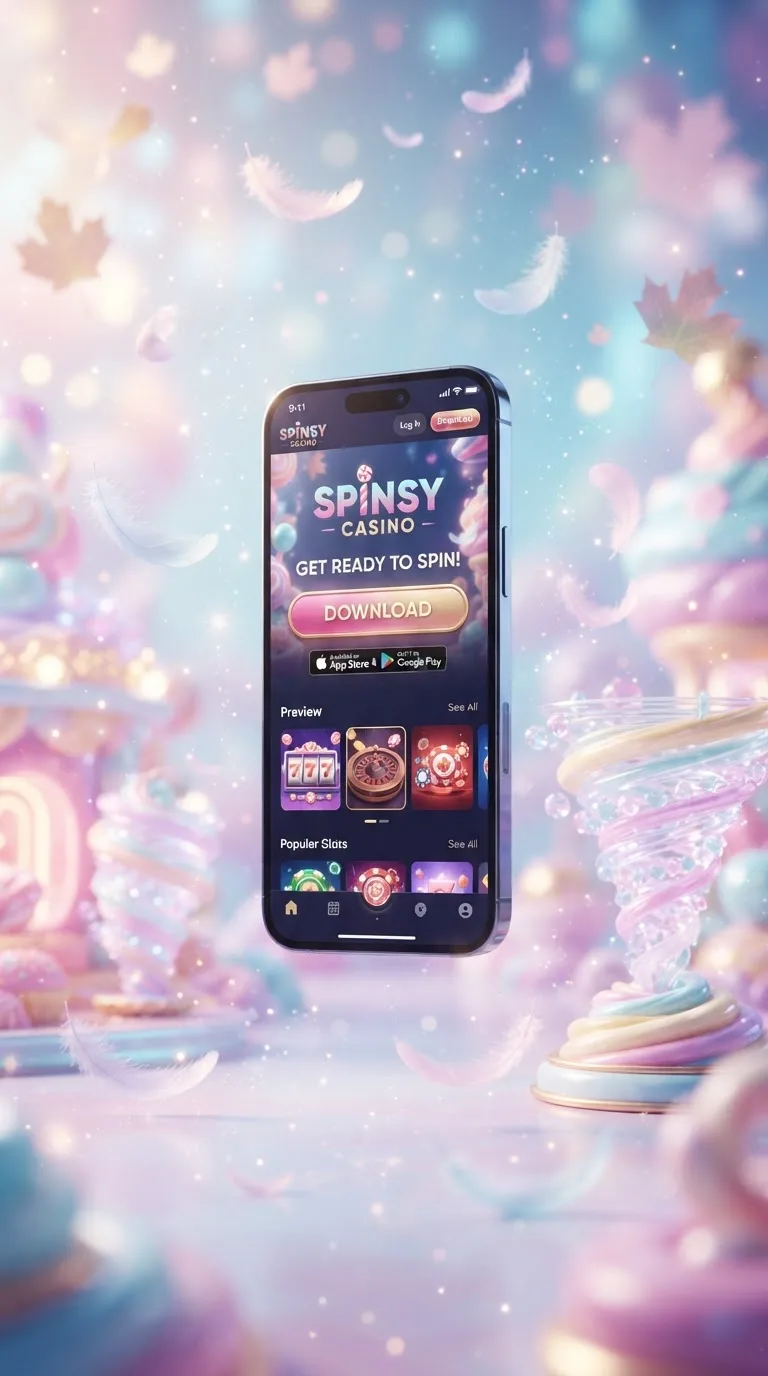
The web app runs smoothly on modern mobile networks across Canada, including Rogers, Bell, and Telus. You don't need to worry about storage-hogging files or regular software updates. By saving a shortcut to your home screen, you can launch your account with a single tap. Your session stays secure, so you can pick up right where you left off.
Every account feature is available from day one. You can manage your funds using local CAD payment options like Interac, Visa, Mastercard, or popular cryptocurrencies. If you want to review current promotions, check our current offers page anytime. New players can quickly register a fresh profile or use our sign-in page to access your balance in seconds.
Instant Loading, No Large Downloads
Our platform prioritizes speed without eating into your device storage. The interface adapts to your screen size instantly, providing a clean layout that lets you browse slots and live dealer tables with ease. By skipping app store downloads, this operator delivers smooth gaming directly through your browser.
Bottom Navigation for Easy Reach
The mobile interface uses thumb-friendly controls placed along the bottom of your screen. You can jump between the game lobby, cashier, live dealer tables, and search bar with a single tap. This cuts out unnecessary stretching or two-handed browsing on both compact phones and larger screens.
Finding your favourite titles is quick with our category filters. You can sort games by studio, popularity, or game type without leaving the main screen. The search bar responds as you type, pulling up titles like Gates of Olympus by Pragmatic Play without lag. More time playing means less time searching.
The bottom navigation menu also gives direct access to your profile settings and active balance. You can review your transaction history, check deposit options, or open our 24/7 live chat from anywhere on the screen. Everything sits within thumb reach to keep your session fluid and focused.
Canadian players can switch between game categories in under a second on standard 4G and 5G connections. The layout reduces unnecessary data reloads by caching menu graphics locally on your phone. This keeps data usage low while maintaining sharp visuals across every section of the site.
Full Feature Access on Mobile
We give you complete desktop functionality without missing menus. You can deposit in Canadian dollars using Interac, credit cards, or supported crypto options directly on your phone. Account settings, personal preferences, and security options stay fully accessible in the palm of your hand.
Our live dealer section runs real-time video feeds built for mobile screens. You can place wagers on live blackjack and roulette tables with responsive touch controls. The interface displays bet timers and table stats clearly, helping you make informed choices during live rounds.
Account verification and profile upkeep are streamlined into the mobile web app. You can upload verification documents straight from your phone camera when completing identity checks. This saves you from transferring files to a desktop before requesting a payout.
Your login details and account actions are protected by standard encryption across every mobile interaction.
| Feature | Home Screen Web App | Standard Mobile Browser | Why It Helps |
|---|---|---|---|
| Device Storage Used | Minimal local cache | No local storage | Keeps your phone storage free |
| Launch Method | One tap from home screen | Open browser, type URL | Faster return visits |
| Touch Feedback | Full-screen touch controls | Standard browser tap | Clear action confirmation |
| Navigation Layout | Dedicated bottom bar | Standard browser frame | Easier one-handed use |
| Lobby Loading | Cached game thumbnails | Full page reload each visit | Lower mobile data use |
| Session Handling | Stays signed in securely | Depends on browser cookies | Quicker, safer re-entry |
When to Refresh Your Web App Shortcut
Because the platform runs as a progressive web app, upkeep is mostly automatic. That said, clearing your browser cache or re-adding the icon to your home screen can fix minor display issues. A quick refresh takes seconds and restores full performance.
Detects Your Settings Automatically
Whenever you open the site on your phone, the platform automatically picks up your display size, language, and regional preferences. Canadian players are served CAD currency formats and local payment menus like Interac right away. This removes manual setup steps so you can get straight into the game catalogue.
If you switch between mobile devices or upgrade your phone, the app keeps your layout preferences once you sign in. Your saved favourites, custom game lists, and recent activity sync through our secure servers. This makes moving between an iPhone and an Android device simple.
The system also tracks your network strength in real time to adjust video streams and graphics accordingly. If your connection slows down on mobile data, the app balances visual quality to prevent mid-spin stutter.
Simple Steps for a Fresh Setup
Refreshing your mobile shortcut solves most caching issues. Follow these steps to reset your web app shortcut on any modern smartphone:
- Delete the existing icon from your home screen.
- Open Safari on iOS or Chrome on Android and go to our site.
- Clear temporary browser data through your mobile browser settings.
- Tap the Share icon on iOS or the three-dot menu on Android.
- Select Add to Home Screen to generate a fresh shortcut.
Once re-added, the fresh shortcut connects to our latest build. Your account credentials and balance stay intact on our servers. Just open the icon, sign in, and continue your session without delay.
We recommend refreshing your shortcut if you notice slower loading after a major mobile operating system update. Keeping your shortcut fresh ensures full compatibility with current web standards.
Clear Feedback for Every Action
A good mobile gaming experience relies on responsive controls and clear visual confirmation. Our interface confirms every touch, bet placement, and menu selection with instant visual cues. You always know when a wager is accepted or a spin is registered, giving you full control over your gameplay.
Smooth Play on Mobile Data
This gaming site is tested on major Canadian telecom networks, including Rogers, Bell, and Telus. Using modern compression, the site delivers fast load times even on standard 4G LTE connections. You can spin slots or join live dealer tables without frustrating buffering.
The mobile lobby prioritizes game assets based on your current view. As you scroll through our library of over 3,800 games, thumbnails load progressively to save bandwidth. This smart data handling lets you explore titles from Microgaming and Evolution Gaming without burning through your data plan.
In-game animations and audio are streamed efficiently to conserve your device's processing power. This means cooler battery temperatures and longer sessions on the go. We balance strong visuals with sensible battery and data use.
Should your signal drop briefly whilst travelling, our server preserves your exact game state. Once your connection returns, the round finishes server-side and your balance updates accurately. You never lose track of a spin due to a brief coverage gap.
| Security Feature | When It Applies | Player Benefit |
|---|---|---|
| Encrypted Session Tokens | Every app launch | Stops session reuse by others |
| SSL Encryption | Active on every page | Protects data in transit |
| Isolated Browser Frame | Real-time screen rendering | Blocks fake touch overlays |
| Account Access Checks | Upon login request | Confirms it's really you |
| Game Code Verification | On each asset request | Confirms genuine game software |
| Inactivity Auto-Lock | After idle periods | Protects your account if phone is left unattended |
Blocking Fake Tap Overlays
Our platform runs in an isolated browser environment that prevents third-party apps from reading your screen or hijacking your touch commands. This shields your login details and financial transactions from malicious software.
Auto-Lock After Inactivity
If you step away from your phone or switch to another app, our system starts an automatic inactivity countdown. After a short idle period, your session locks to prevent access by anyone near your device. To resume playing, simply sign back in with your password or biometric unlock.
This auto-lock feature is especially useful when playing in public spaces or on a shared device. Your real-money balance and personal details stay protected even if your screen stays on. When you return to the locked screen, your previous game position is held safely in memory - just enter your credentials to resume playing.
Secure Mobile Transactions
Making a deposit or requesting a withdrawal on your phone is protected by strict encryption. Every financial request runs through isolated payment channels built specifically for secure mobile processing. Canadian players can use trusted methods without compromising their banking data.
We support a broad range of trusted payment options for our Canadian players:
- Interac e-Transfer for direct Canadian bank connectivity
- Visa and Mastercard credit and debit options
- Digital e-wallets including Skrill and Neteller
- Prepaid vouchers through Paysafecard
- Leading cryptocurrencies like Bitcoin, Ethereum, Litecoin, and Tether
When you complete a transaction, the cashier shows clear confirmation details on your screen. You get a direct reference code for every deposit and withdrawal, which makes tracking simple. This operator processes verified withdrawals within 24 hours once standard checks are complete. Deposits appear in your balance right away, so you can start playing your preferred slots and table games without waiting.
Add to Your Home Screen with Spinsy Casino
Getting started with Spinsy Casino on your smartphone needs no app store account, no download, and no storage sacrifice. In about ten seconds, you can install our progressive web app directly from your browser to your home screen. Enjoy over 3,800 games, secure CAD banking, and 24/7 support wherever you are in Canada.
Follow these steps to add our web app to your mobile device right now:
- iPhone (Safari): Open our site in Safari, tap the Share icon at the bottom, and select "Add to Home Screen".
- Android (Chrome): Visit our site in Chrome, tap the three dots in the top right corner, then tap "Install app" or "Add to Home screen".
- Direct Launch: Tap the new icon on your screen to log in and start playing right away.
This gaming site is built for fast, reliable mobile play on your own terms. Add it to your home screen today, and if you'd rather play in-browser first, you can always start with a quick account sign-in to see the full lobby.
Frequently Asked Questions About Spinsy Casino Mobile
How do I report a bug in the Spinsy Casino mobile site?
If you run into a display issue or a game error on your mobile device, reach out directly to our 24/7 live chat team. Our support staff will note the game title, your device model, and your browser version to resolve the problem promptly.
How is the lobby organized on Spinsy Casino's mobile site?
Our mobile lobby is split into clear categories including popular slots, live dealer tables, jackpot games, and table classics. You can also filter titles by your favourite game studio or use the search bar to find specific games across our library of over 3,800 releases.
Are buttons and controls responsive on the Spinsy Casino mobile site?
Yes, every button, spin control, and menu item is built with touch feedback and generous tap targets. This means your selections register right away on both small and large mobile screens, without misclicks or frustrating delays during gameplay.
Can I view my full transaction history on Spinsy Casino mobile?
Yes, your complete transaction record is available directly inside the mobile cashier section. You can review past deposits, pending withdrawals, and promotional activity with clear timestamps, reference IDs, and status updates formatted for mobile viewing.
Do Spinsy Casino games drain my phone battery quickly?
Our mobile web app uses efficient graphics rendering to keep battery use low during regular play. Live dealer video streams use slightly more power due to real-time video, but standard slots and table games are built to run smoothly without excessive battery drain.
Can I use QR codes for crypto deposits on Spinsy Casino mobile?
Yes, when you choose Bitcoin, Ethereum, Litecoin, or Tether in our mobile cashier, a scannable QR code appears alongside the public deposit address. You can copy the address directly or scan the code with your mobile crypto wallet for a quick, error-free transfer.
Can I download the Spinsy Casino app via an SMS link?
We don't use SMS links for installation because our platform doesn't require an app store download. Just visit our official site in your mobile browser and select Add to Home Screen to create your instant web shortcut safely.
Is it safer to play in a mobile browser or the Spinsy Casino web app shortcut?
Both methods use the exact same encrypted connection and security practices. The web app shortcut simply removes the browser's URL bar for a cleaner, full-screen view whilst keeping your account data and payments equally safe either way.
Is the Spinsy Casino site optimized for high-resolution Retina displays?
Yes, all interface graphics, slot reels, and lobby elements are delivered in high-definition formats built for modern mobile screens. Whether you play on an iPhone Retina display or a high-density Android panel, text and animations stay crisp and sharp.